
Free Tesla part finder: look up parts by car or OE number
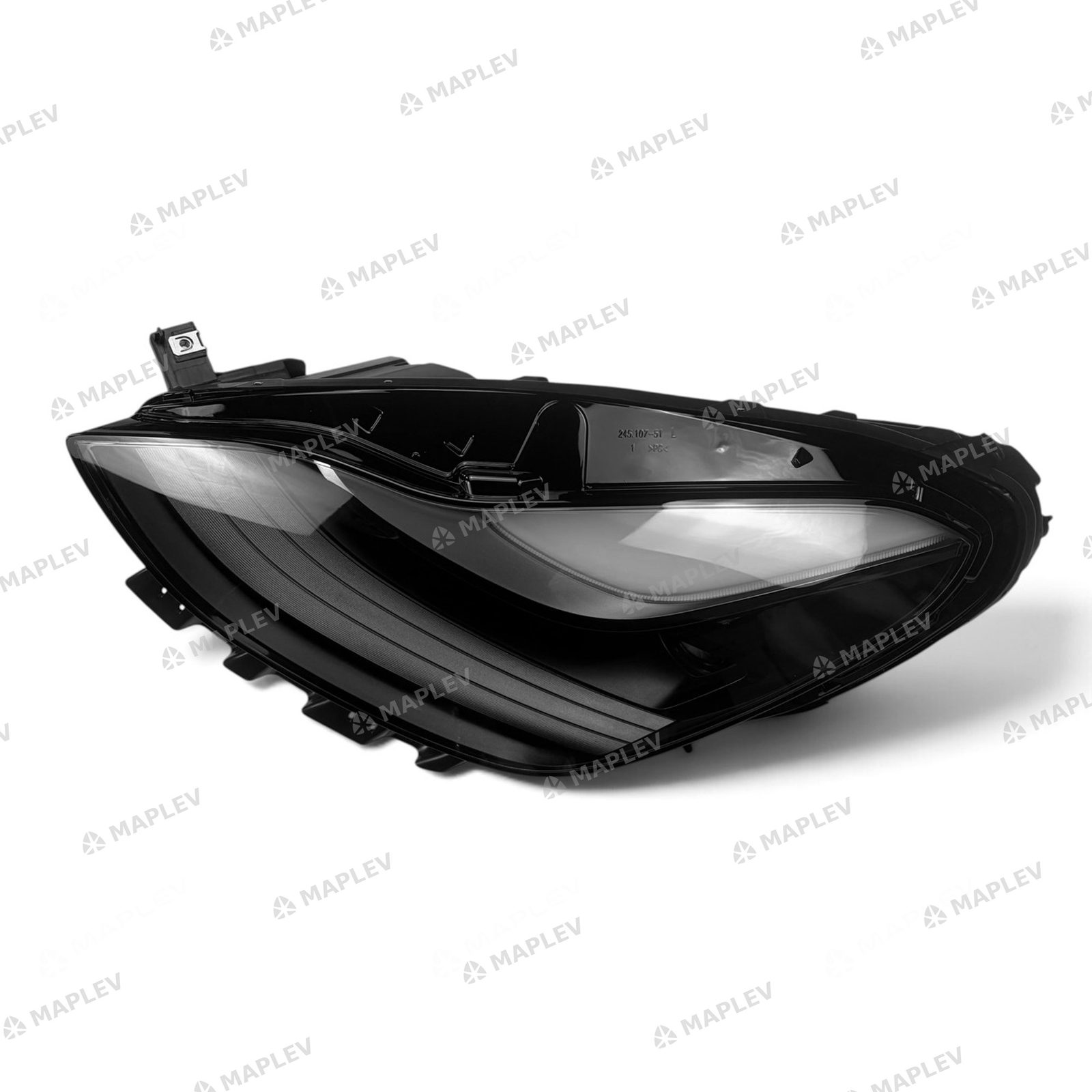
Short answer: the MapleV part finder is a free lookup box for Tesla Model 3 and Model Y collision parts. Pick the car and the part type, or type a Tesla OE number or a part name, and it lists the matching parts with a photo, the model years they fit and their Tesla OE numbers.
It runs on our OE lookup page and on any website that adds it. It shows what a part is and what it fits; the price and availability are one click away, on the part's own page.
How to look up a part in three steps
Choose the car first: Model 3 or Model Y, with the model years, from the first list. Then choose the part type, such as Headlights & Tail Lights or Front Bumper Parts. The list fills in at once: each part shows a photo, its name, the cars and years it fits and its Tesla OE numbers.
Select See price to open that part's page on maplev.ca, with the price, availability and delivery options. No typing is needed, and no account.
Prefer to type? The search box also takes a part name in English, French or Chinese, such as "model y headlight", "phare" or "大灯".
Searching by the number on an estimate or a part label
Type the Tesla OE number as it is printed, with or without the dashes: 1514952-00-C and 151495200C both find the left headlight listed under 1514952-00-E, and the number you typed is highlighted. Typing only the first seven digits (1514952) lists every version of that part.
A matching number is a search key, not proof of fit. Tesla changes some parts within a model year (sensor holes, connector pins, headlamp type), so check the part against the car before you order.
Several numbers from one estimate? Paste them into the OE lookup page and it checks them all in one pass.
Add the part finder to your own website
Body shops, Tesla clubs, forums and blogs can put the part finder on their own pages for free. On the OE lookup page, scroll to Add this lookup to your website, select Copy code and paste the code into any page that accepts HTML. Most website builders have an embed-code or custom-HTML block for this.
The box is 540 pixels tall and up to 640 pixels wide, and it fits a phone screen. It loads from maplev.ca, so new parts and corrected numbers appear on your page without any work on your side. Visitors do not sign up or log in.
A small line under the box credits MapleV with a link back to the lookup page. A French version of the code is on the French OE lookup page.
Keep it as an app on your phone or computer
No app store and nothing to paste: open the part finder on its own page and install it. On Android, in Chrome and in Edge an Install button appears — one tap. On an iPhone, tap Share in Safari, then Add to Home Screen. Firefox and other browsers offer the same under Install app or Add to Home screen in their menu.
The installed app opens instantly, without the browser bars, and the lookup keeps working when the signal in the shop is poor; part photos load when you are back online. Prices and ordering still open on maplev.ca. The button is on the OE lookup page, under Get it as an app.
Add it to Chrome as a browser extension
On a computer, the part finder is also a Chrome extension: MapleV Tesla Part Finder, in the Chrome Web Store. Select Add to Chrome; it also installs in Microsoft Edge. Its toolbar button opens the same lookup, by car, part type or OE number.
It adds one item to the right-click menu: select a Tesla part number on any page — a collision estimate, a listing, a forum post — right-click and choose Look up Tesla part number on MapleV. Several numbers in one selection are looked up together. The extension shows no prices, does not read or change the pages you visit and stores nothing. The store link is on the OE lookup page, under Get it as an app, and in the Sources below.
Open data and open source on GitHub
The numbers behind the part finder are published as an open dataset on GitHub, in the repository maplev-ca/tesla-oe-cross-reference: every Tesla Model 3 and Model Y part in our catalogue with its Tesla OE numbers, base numbers, fitment and Partslink numbers, as CSV and JSON. It is licensed CC BY 4.0, so anyone can use it, cite it or build on it, with credit to MapleV. We update it when the catalogue changes.
The browser extension is open source in the repository maplev-ca/tesla-part-finder, with the exact files of the store package, the French manifest and the embed code. Both repositories are linked at the bottom of the OE lookup page and in the Sources below.
What the part finder does not do
It does not show prices or stock; those are on each part's page. It does not decode a VIN. And it covers the Tesla Model 3 and Model Y parts in MapleV's catalogue, not Tesla's whole parts catalogue.
MapleV is an independent supplier of aftermarket replacement parts and is not affiliated with Tesla, Inc. OE numbers are shown for identification and cross-reference only.
Frequently asked
Is the MapleV part finder free?
Yes. Looking up parts is free and needs no account, and adding the box to a website is free too.
Can I search by Tesla part number?
Yes. Type the Tesla OE number with or without dashes, or only its first seven digits to see every version of the part. A match is a search key, not proof of fit, so confirm the part against the car.
Does the part finder show prices?
No. It shows part names, fitment and Tesla OE numbers. Select See price to open the part's page on maplev.ca, where the price and availability are shown.
How do I add it to my website?
Copy the code from the Add this lookup to your website section of maplev.ca/oe-lookup/ and paste it into a page that accepts HTML. The box updates itself when the catalogue changes.
Is there a French version?
Yes. The French part finder and its code are on maplev.ca/fr/oe-lookup/.
Is there an app?
Yes, two ways. The part finder installs as an app from the browser, with no app store: tap Install on Android, Chrome or Edge, or Share → Add to Home Screen on an iPhone. On a computer it is also a Chrome extension, MapleV Tesla Part Finder in the Chrome Web Store, which installs in Edge too. Both are on maplev.ca/oe-lookup/ under Get it as an app.
Sources
- MapleV — Tesla OE number lookup (the full-page version of the part finder, with the code to add it to a website)
- GitHub — maplev-ca/tesla-oe-cross-reference: the open dataset behind the finder (CSV + JSON, CC BY 4.0)
- GitHub — maplev-ca/tesla-part-finder: the browser extension source
- Chrome Web Store — MapleV Tesla Part Finder: the browser extension